

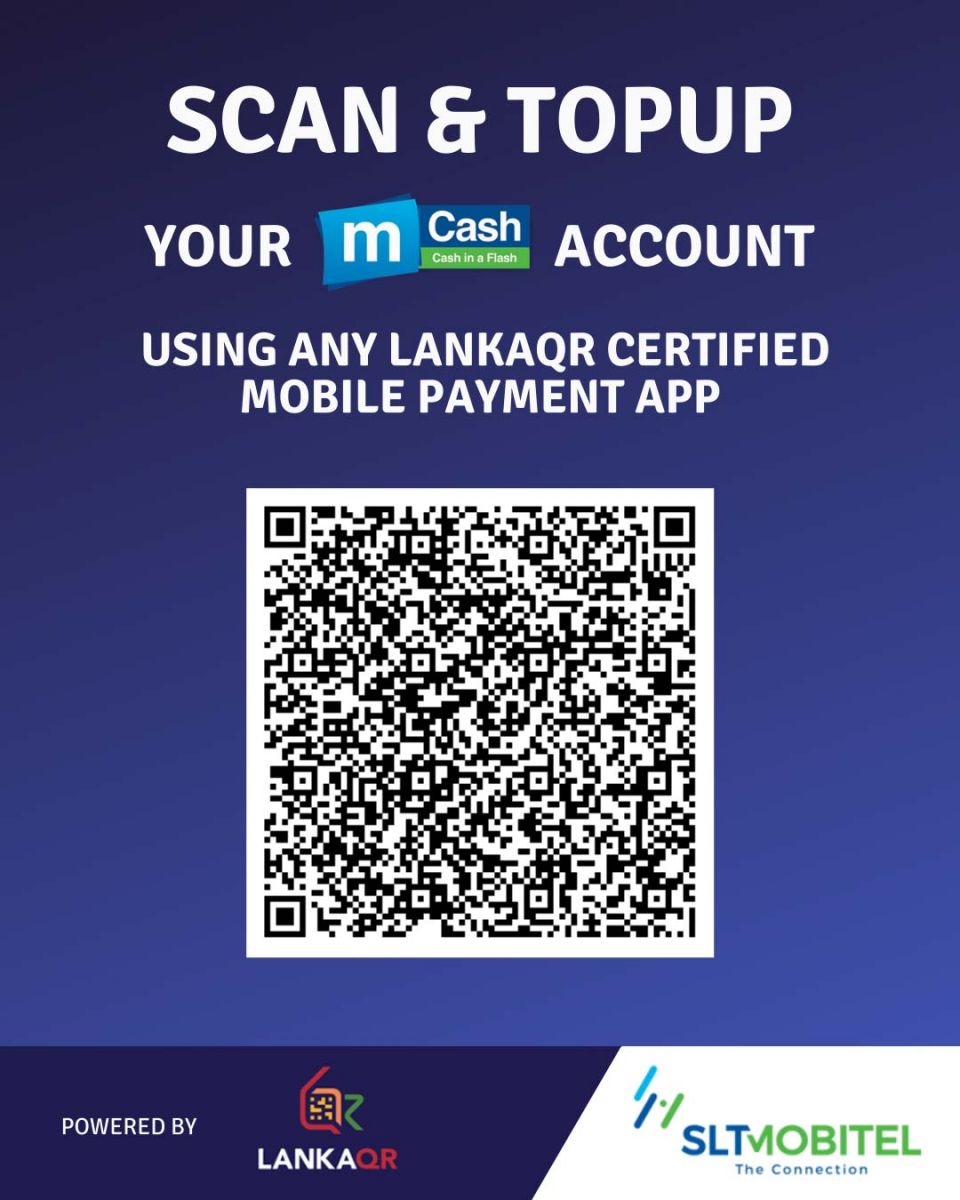
LANKAQR is a standardized Quick Response code introduced by the Central Bank of Sri Lanka to enable c onvenient and low cost contactless payment.
By scanning the QR code displayed, Customers can Topup their mCash wallet via LANKAQR.
Step 1: Scan the displayed QR code using any LANKAQR certified mobile payment App
Step 2: Enter mCash account Number in the ‘Reference Label’ section
Step 3: Enter amount
Step 4: Confirm Transaction
*Customer cannot use their own mCash account to Topup their mCash account via LANKAQR.